7 Simple Tricks to Boost Your Typing Accuracy Overnight
Typing quickly is a skill many chase, but without accuracy, speed can lead to a mess of errors.
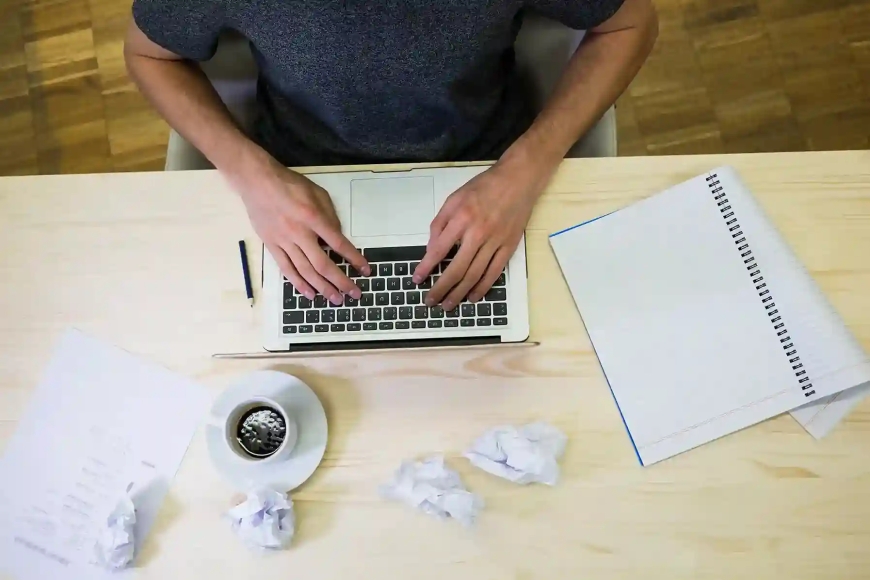
Typing quickly is a skill many chase, but without accuracy, speed can lead to a mess of errors. I learned this during my first freelance gig when I rushed through emails, only to find typos that made me look unprofessional. Fixing those mistakes ate up time I didnt have. Fortunately, with a few smart habits, you can type accurately and efficiently. Here are seven simple tricks to eliminate typing errors and improve your productivity.
Why Typing Mistakes Happen
Errors creep in when your focus wavers or habits falter. Glancing at the keyboard disrupts your flow, causing missteps. Poor finger placement on the keyboard leads to wrong key presses. Distractions, like a buzzing phone, pull your mind away from the task. Speeding through work often sacrifices precision, and over-relying on spell-check tools can miss context-specific errors, like affect versus effect. Recognizing these issues is the first step to typing better.
1. Focus on Precision First
Speed is tempting, but accuracy saves time. When I started typing, I prioritized speed and ended up with error-filled drafts. Train yourself to type correctly firstspeed will build naturally. Practice short sentences, focusing on hitting each key deliberately. Over time, your fingers will move faster without losing accuracy, reducing the need for revisions.
2. Anchor Your Fingers on the Home Row
Your fingers need a home base. Place your left hand on A, S, D, F and your right hand on J, K, L, semicolon. This position lets you reach every key efficiently. I noticed a huge improvement in my typing when I committed to this setup during practice sessions. Try typing common words like quick or jump to reinforce this habit.
3. Set Up an Ergonomic Workspace
A comfortable setup boosts accuracy. Sit with your back straight, feet flat, and elbows at a 90-degree angle. Position your monitor at eye level, about 50 cm away. When I adjusted my chair and desk, my typing errors dropped noticeably. Avoid resting your wrists heavily on the desk to prevent strain and maintain control.
4. Eliminate Distractions
A wandering mind leads to typos. I once typed a report during a noisy meeting, and the result was riddled with errors. Create a quiet workspaceturn off notifications and use noise-canceling headphones if needed. Soft background music, like lo-fi, can help you stay focused without overwhelming your brain.
5. Use Tools as a Backup
Spell-checkers like Grammarly are helpful but not perfect. They might miss homophones or subtle grammar issues. I rely on real-time text prediction tools to catch errors as I type, but I always double-check my work. Choose one or two tools that fit your workflow to avoid app overload, which can distract you.
6. Practice with Purpose
Repetition builds muscle memory. Spend 10 minutes daily on typing exercises, focusing on problem areas like punctuation or capital letters. I used to struggle with commas and periods, but targeted practice fixed that. Online tools like typing games can make this fun and effective.
7. Take Breaks to Stay Sharp
Typing for hours without breaks leads to fatigue and errors. I learned this when I powered through a long document and started mixing up keys. Take a 5-minute break every hour to stretch and reset. This keeps your mind and fingers fresh, improving accuracy.
Conclusion
Typing errors can slow you down, but these seven tricksfocusing on accuracy, mastering finger placement, optimizing your setup, minimizing distractions, using tools wisely, practicing purposefully, and taking breakscan transform your skills. Start applying them today, and youll notice fewer mistakes and more polished work. Try Alphabet Typing Game to practice these habits and take your typing to the next level.